
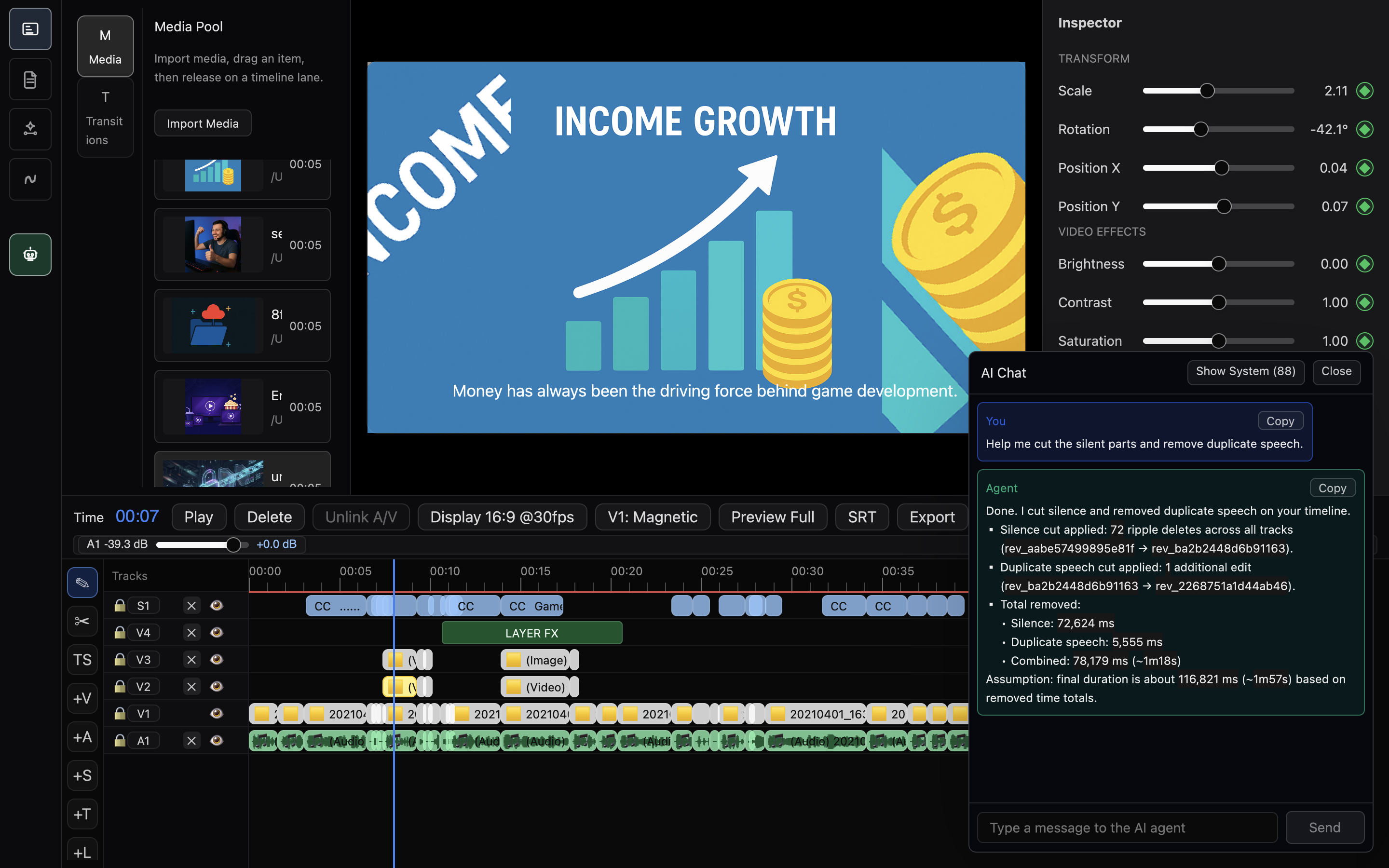
Silence cleanup
01Cut dead air with timeline-aware prompts
Ask Anica to detect silent sections, remove repeated speech, and tighten pacing while keeping the edit visible for review.
Showcase
These examples focus on the product direction: timeline-aware prompts, media analysis, subtitle localization, and export flows that operate from inside the editor.
Workflows
Anica keeps the timeline visible while agents help with repetitive editing passes, speech cleanup, localization, and creative planning.
Silence cleanup
01Ask Anica to detect silent sections, remove repeated speech, and tighten pacing while keeping the edit visible for review.
B-roll planning
02Agents can analyze the project state and suggest relevant B-roll or generated inserts for semantic layers.
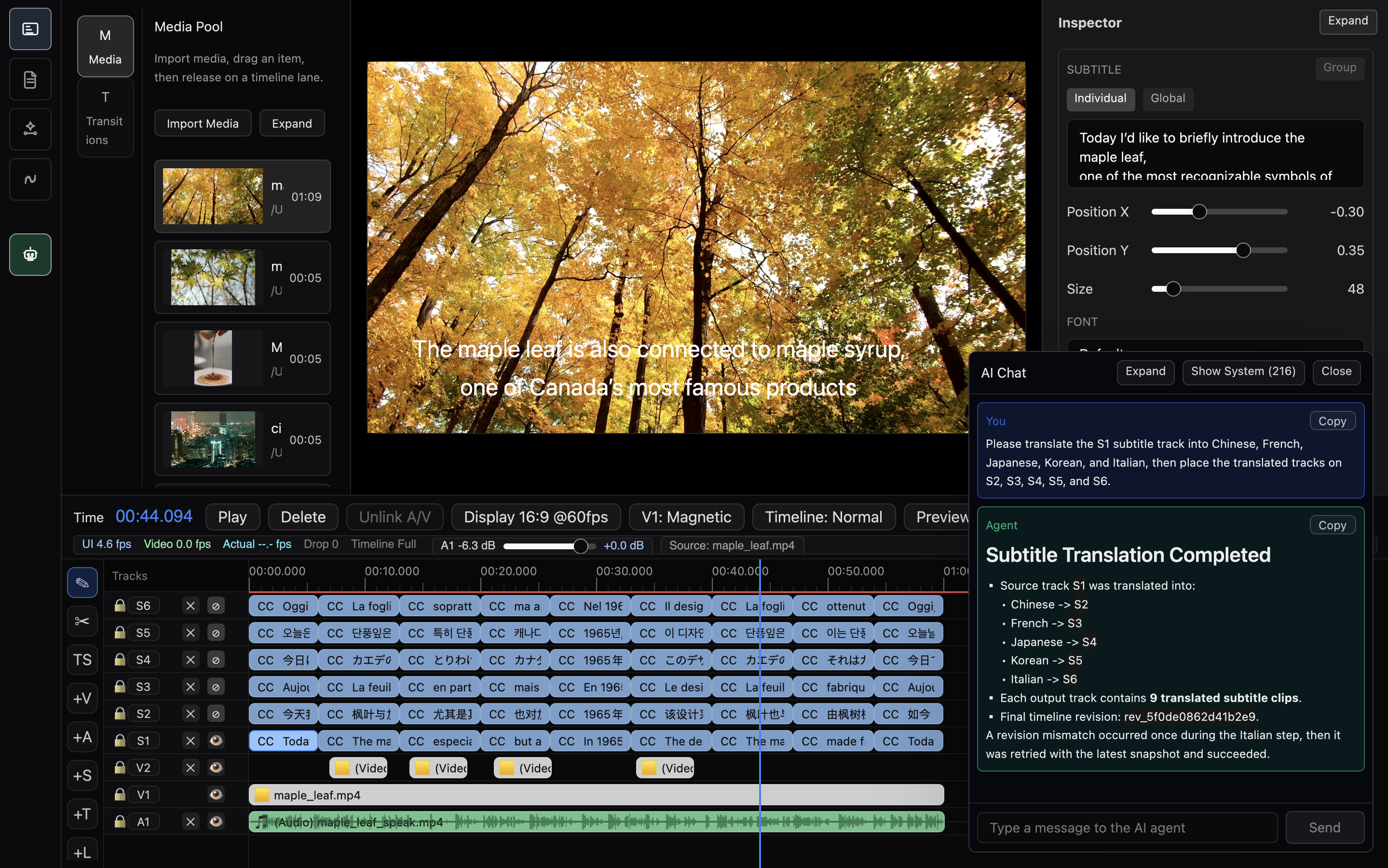
Subtitle localization
03Generate, translate, clean, and re-import subtitles while keeping timeline alignment intact.
Architecture
The project is built around a GPUI application, ACP agent chat, timeline state, media preview, export analysis, and GPU rendering.
Agent prompts
Use Anica with your preferred coding agent to inspect the project, run the app, test workflows, or automate video editing experiments.
Install the latest Anica alpha on macOS Apple Silicon and open the app.
Sign in to your preferred agent CLI first, such as Codex CLI, Claude Code, Gemini CLI, Cursor, or another coding agent that can run terminal commands.
Select the same CLI inside Anica so the app can route agent-assisted editing tasks to your chosen tool.
Help me cut the silent parts, clean duplicate speech, and prepare a short edit.
Review the timeline workflow and suggest an agent-assisted editing pass.